

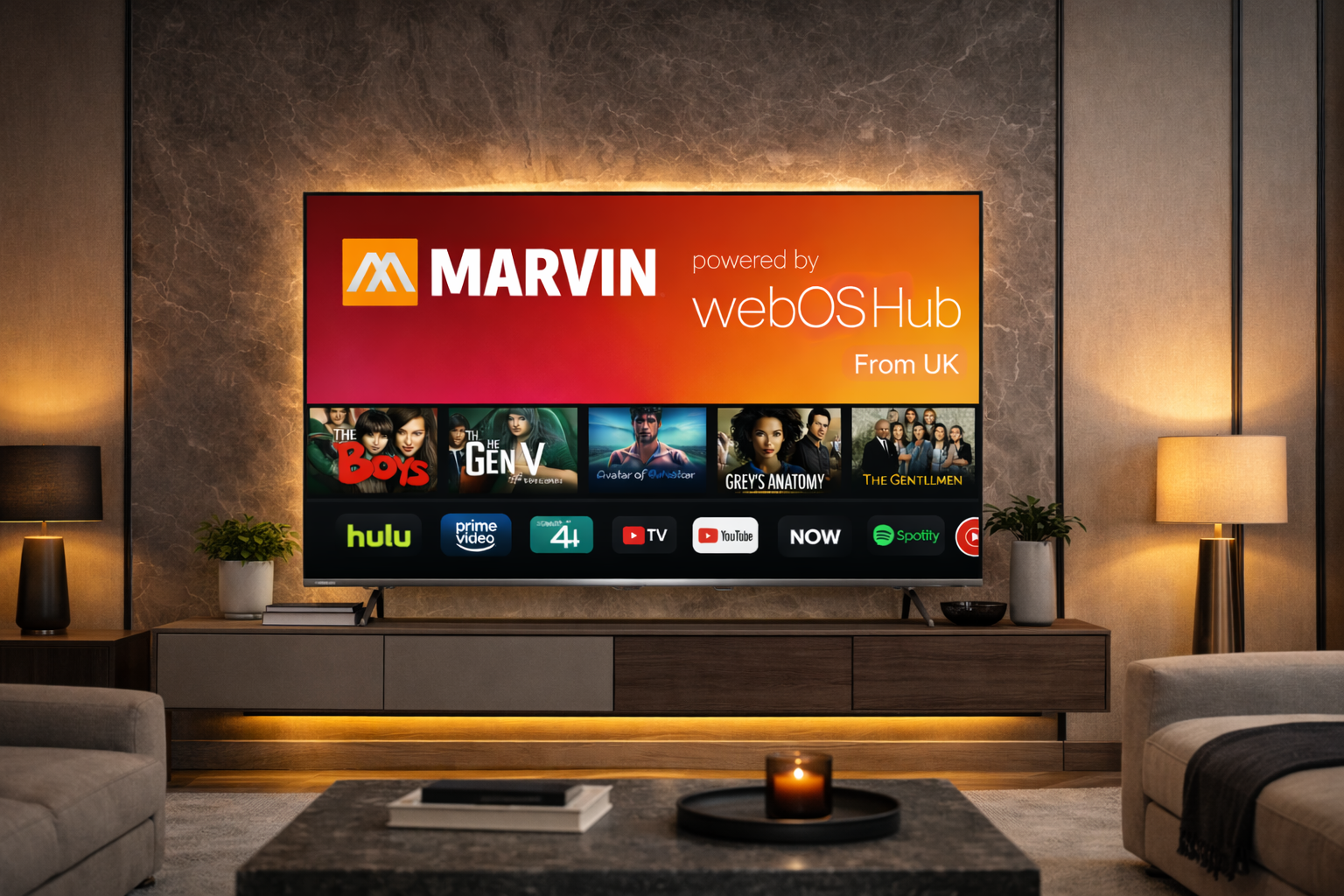
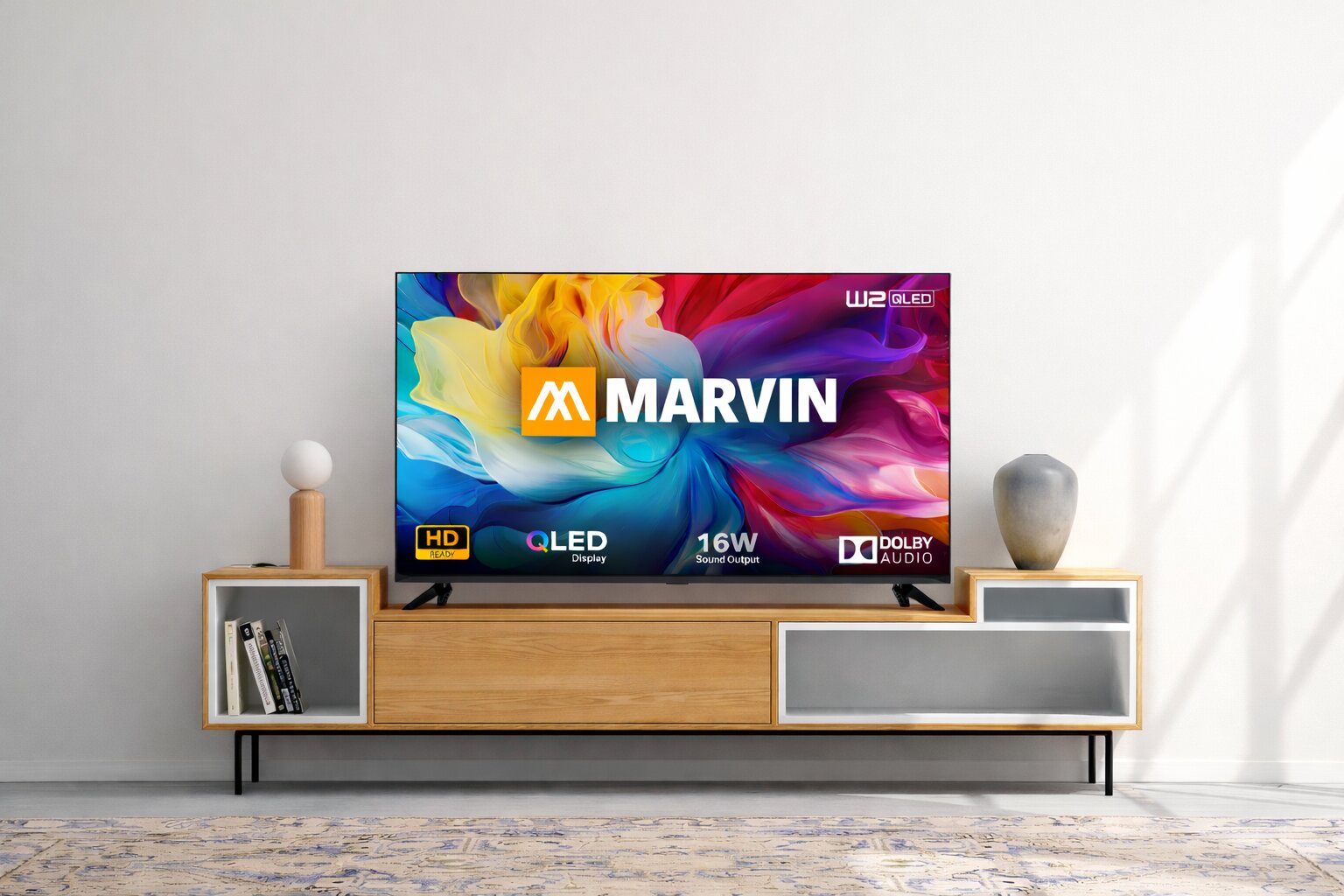
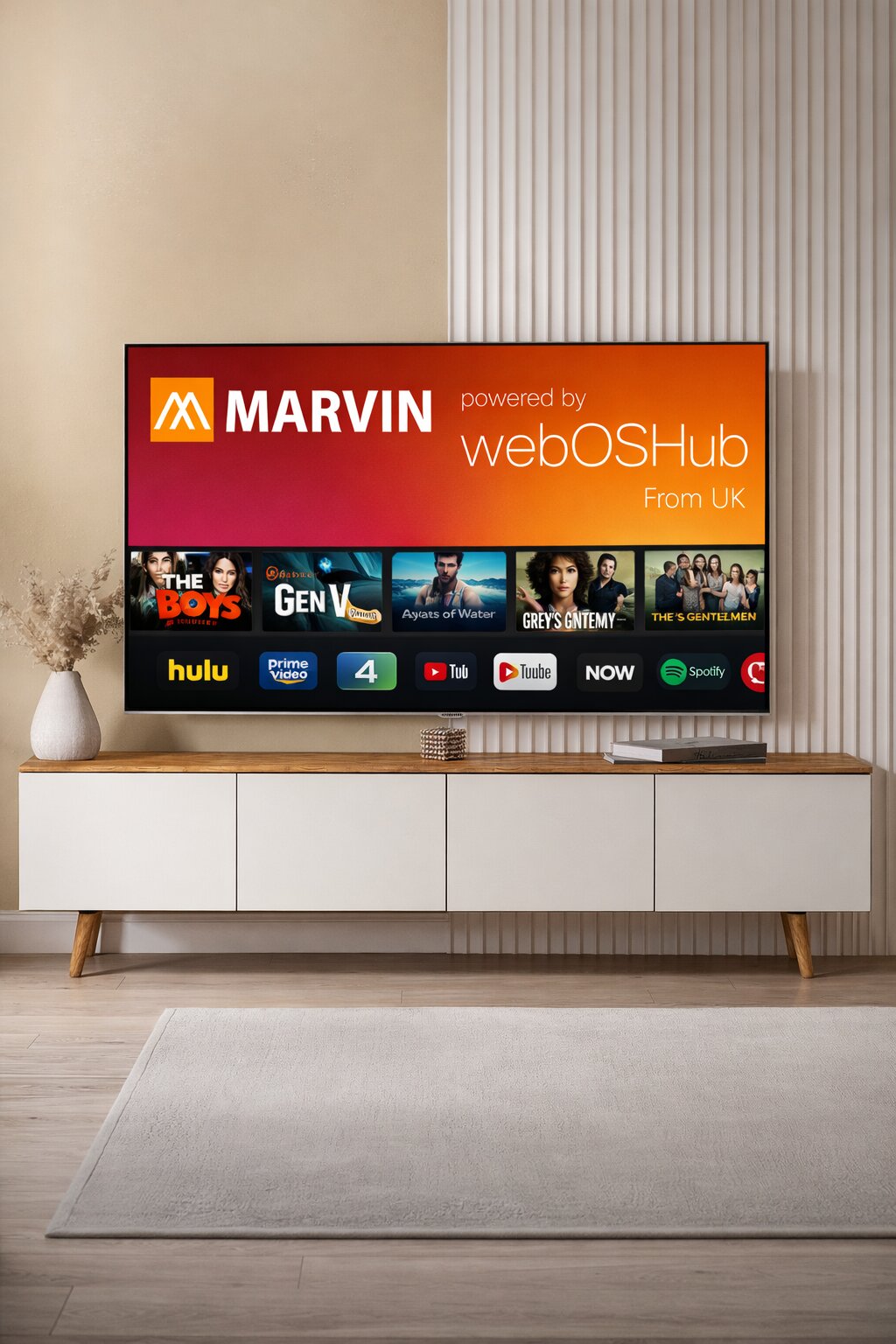
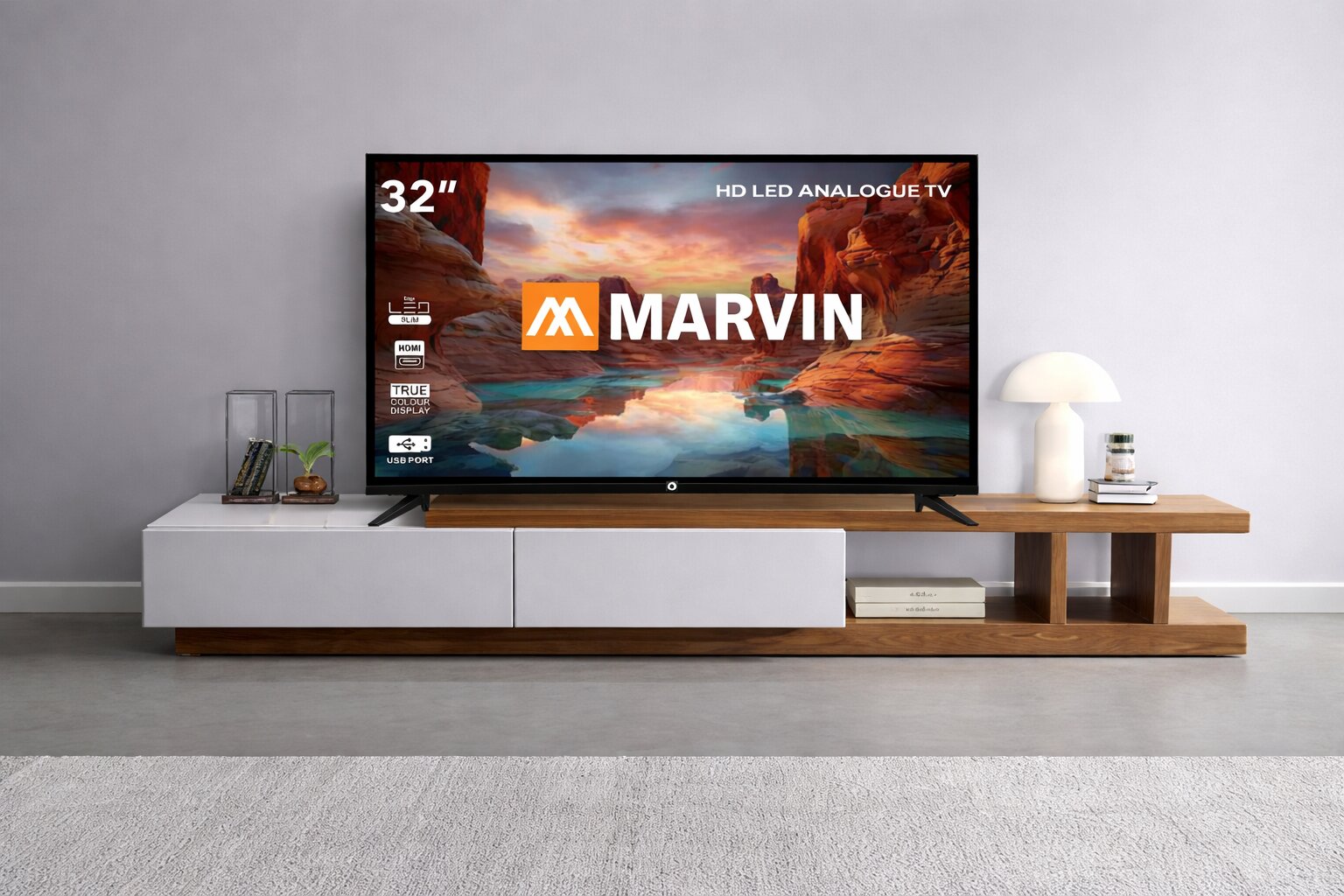
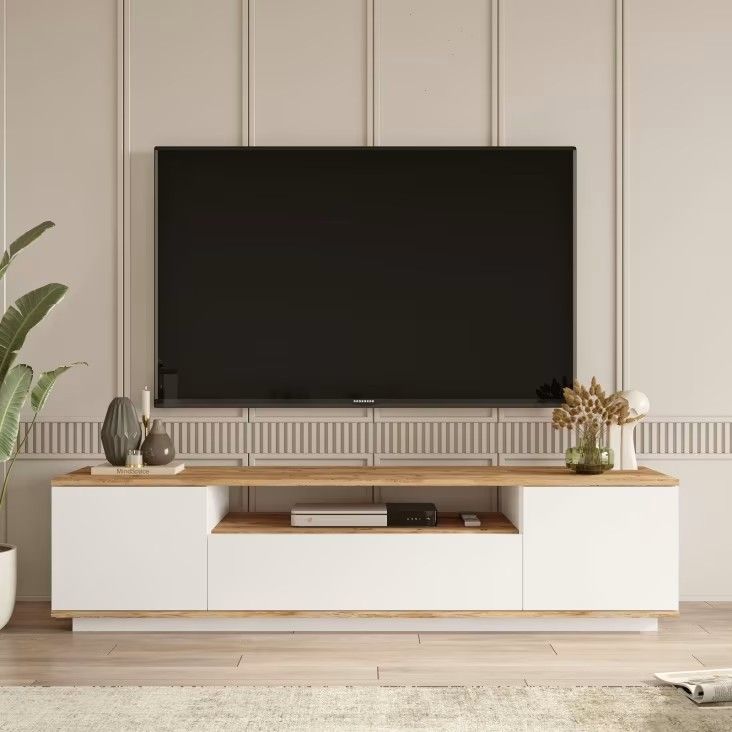
cinematic in every sense
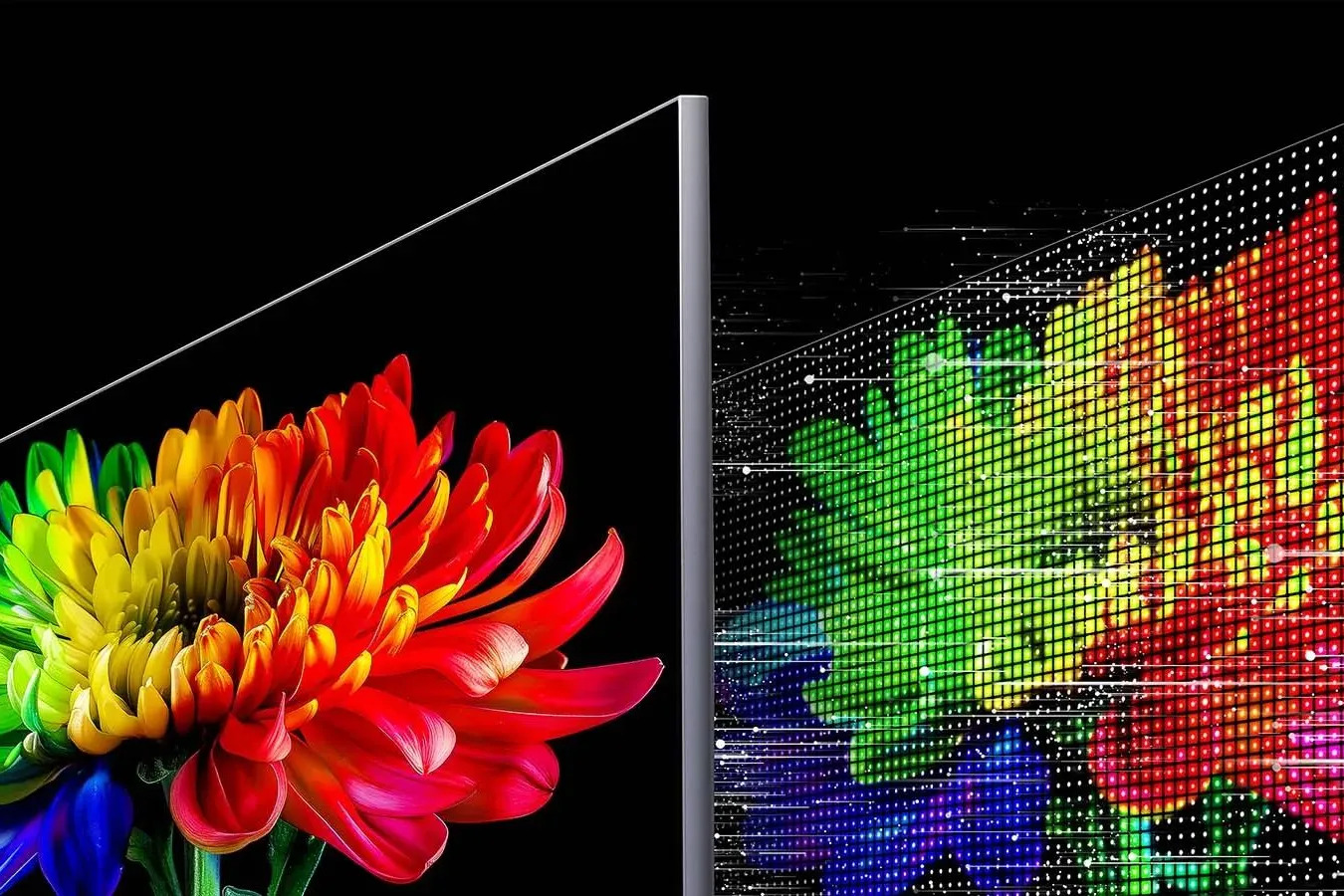
Compare panel types like LED, QLED, OLED, and Mini-LED first.
This determines black levels, contrast, color volume, and
viewing angles, which are the foundation of overall picture
quality.
Match the TV size to your viewing distance and room layout.
Choose Full HD, 4K, or 8K based on content type and budget, but
for most homes, 4K provides the best balance of clarity and
value.
Refresh rate affects how smooth fast scenes look. A true 120Hz
panel improves sports and action playback, while good motion
processing reduces blur and judder in everyday viewing.
Check HDR format support such as HDR10, HDR10+, Dolby Vision,
and HLG. Higher peak brightness and effective local dimming are
key to delivering impactful highlights and better shadow detail.
Built-in speaker power, channel configuration, and dialogue
clarity matter for daily use. If you want cinematic sound,
confirm support for Dolby Atmos and eARC so a soundbar can be
added easily.
Verify the number of HDMI ports, HDMI 2.1 availability, USB,
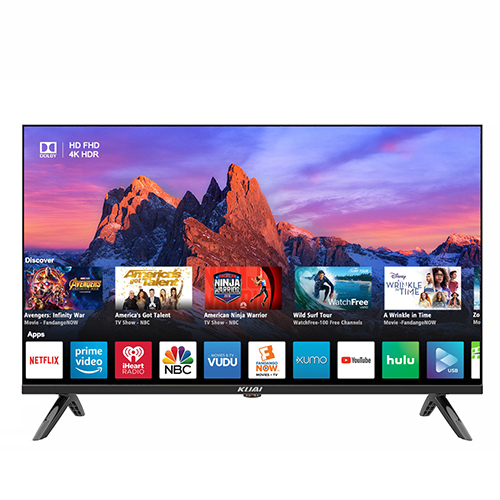
Bluetooth, Wi-Fi, and Ethernet. Also evaluate the smart platform
for app availability, speed, and long-term software updates.
For console or PC gaming, prioritize low input lag, VRR,
ALLM, and 4K at 120Hz. These features improve responsiveness,
reduce screen tearing, and provide smoother gameplay.
Review warranty length, panel coverage terms, dead-pixel policy,
and service-center availability before purchase. Reliable after-
sales support can be as important as the hardware itself.
 Design
 Handover
 Survey
 Implement

Let's work together!
Marked fields are required to fill